Your AI marketing agency
A month of posts.
Made, checked, posted.
Paste your website. PostGen plans your month, makes the Reels and carousels in your brand, and posts them once you approve.
Nothing is posted without your approval.
How it works
From your website to your feed, in four steps.
- 01
Paste your website
PostGen reads your public pages and builds your brand kit: logo, colours, fonts, voice and a catalog of your products with their photos.
- 02
Get a month, planned
A calendar of Reels and carousels, spread across your products so the same one never repeats too soon. Move, swap or pin anything.
- 03
Every post made for you
Reels are cut to the beat in your own type and colours, with captions and hashtags written to your rules. Each image is checked against your product photos before you see it.
- 04
You give the mark
Each week's batch is ready two days ahead. Approve all of it in one tap, edit a post, or pause. Nothing goes out without you.
Formats
Reels built on formats people already watch.
Each Reel follows a tested structure, filled with your own products, type and colours. A few of them:
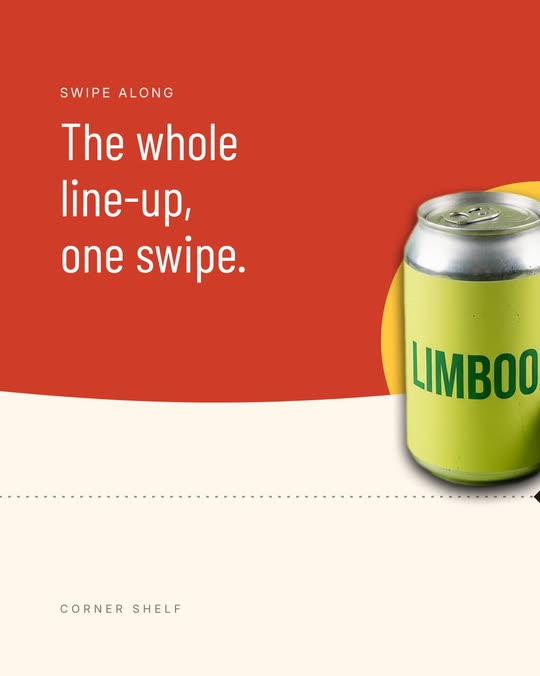
- 01The line-upYour products on one backdrop, cut fast and slowing down.
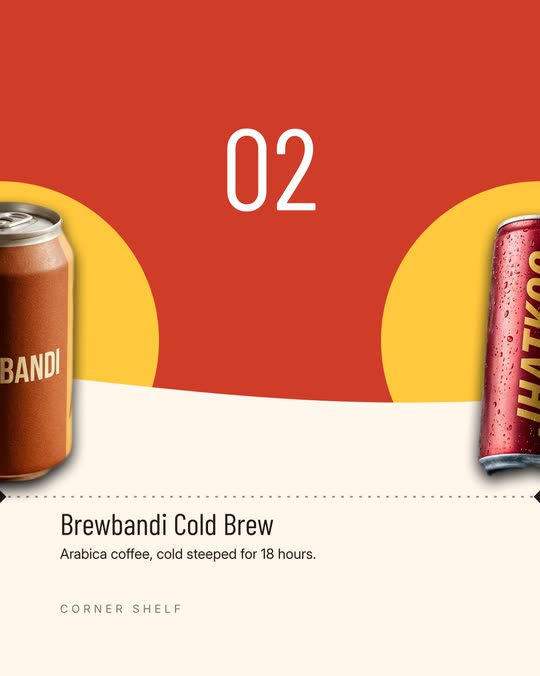
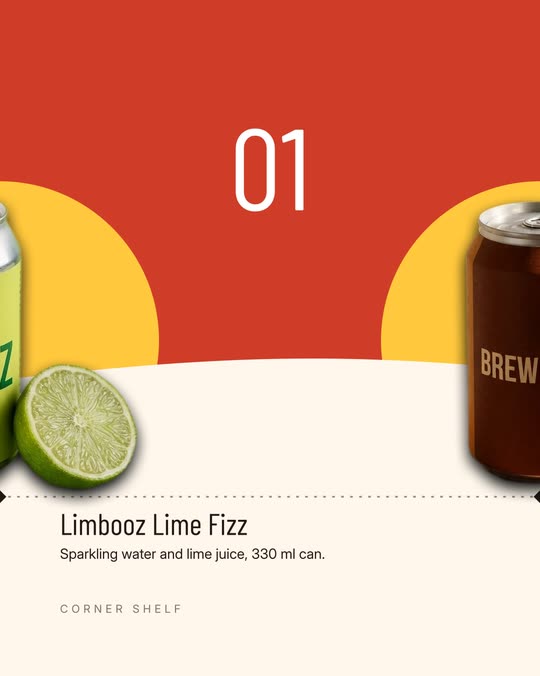
- 02Five favouritesA countdown from No. 5 to No. 1.
- 03A closer lookThree close-ups, then the whole product.
- 04Five moodsOne product in five different settings.
- 05Maybe this oneA line of text, then the product as the answer.
- 06Tile by tileA product uncovered over your brand colour.
- 07Start from emptyA space built up from empty to finished, stage by stage.
- 08Moodboard to realityMaterial samples cut to the pieces made of them.
- 09Page by pageAn open catalogue where each page turn brings the next piece.
- 10Day vs nightOne scene by day, then at night with the lights on.
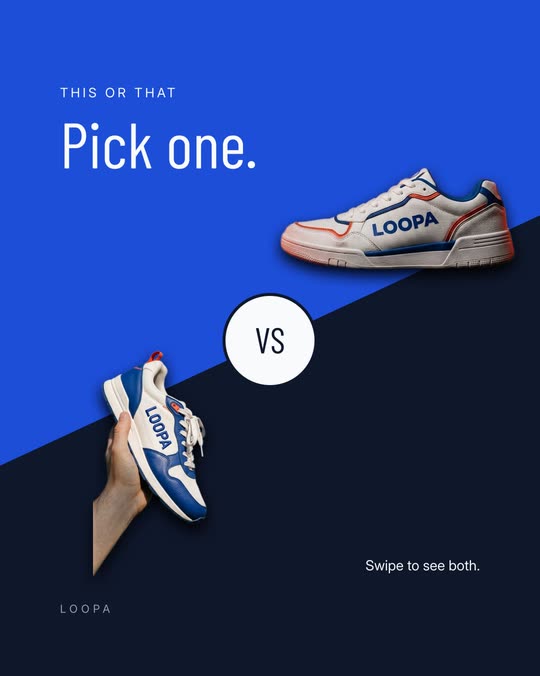
- 11This or thatA carousel of pairs. Followers comment their pick.
- 12Product spotlightA carousel on one product: the whole of it, a detail, its facts.
Sample Reels
Video Reels, from one product photo.
Not stills cut together: a moving clip of your product, planned shot by shot from a storyboard and checked against your photo. Six ways to shoot it.
- Feel it firstThe texture up close: a pour, a drop, a press.
- Made for the spotlightOne dramatic set: ice, smoke, velvet or neon.
- In the detailA dive into one signature detail, and back out.
- Open it upHands open the box and the product is revealed.
- See it in handA hand picks it up and uses it.
- A world in its colourMany of it in its own colour, then the one.
Reel remixes, cut from the photos you have.
No shoot and no generated video: your own product photos, cut to the beat in your type and colours.
- Photo dumpSixteen quick cuts on the beat, then the hero held.
- Word by wordBold words on the beat, each over a new photo.
- Two panesTwo products slide in and swap, then one fills the frame.
- Stop motionCut-outs step onto your colour in stop-motion jumps.
- Shape revealEach photo opens through a growing shape: your mark, if you have one.
Carousels people swipe to the end.
Six layouts built from your product facts and photos. Every number and claim comes from your own listing.
- Big numbersOne number from the listing per slide, set huge.
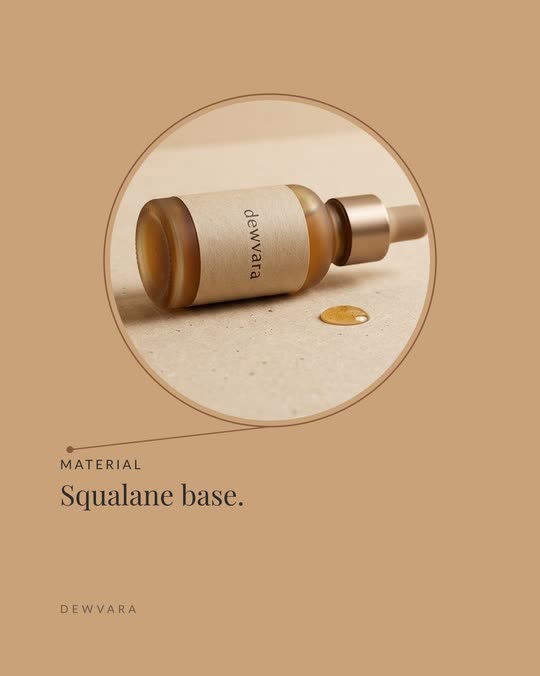
- Product anatomyThe product cut out, with lines to what its listing says.
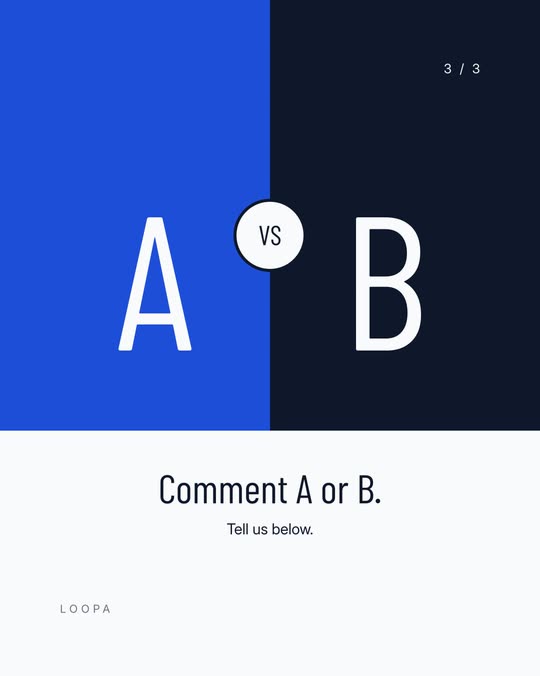
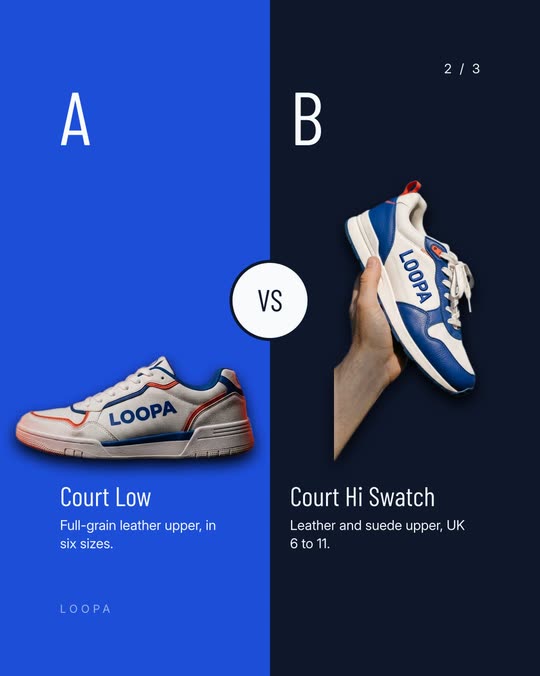
- This vs thatTwo products on colour-blocked halves. Followers comment A or B.
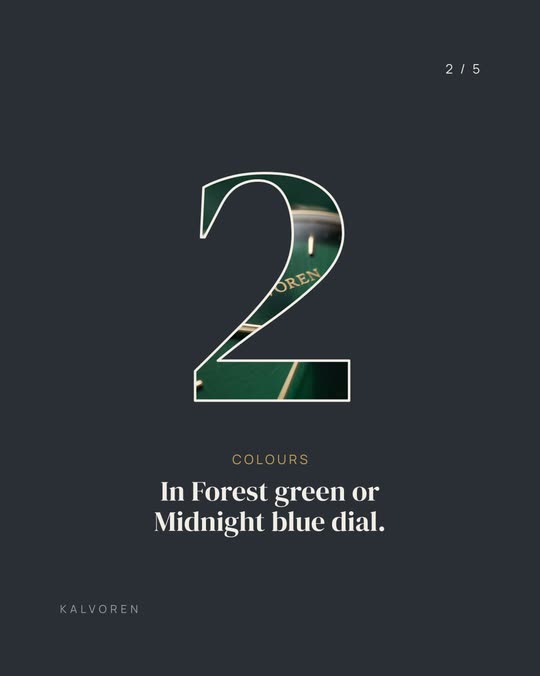
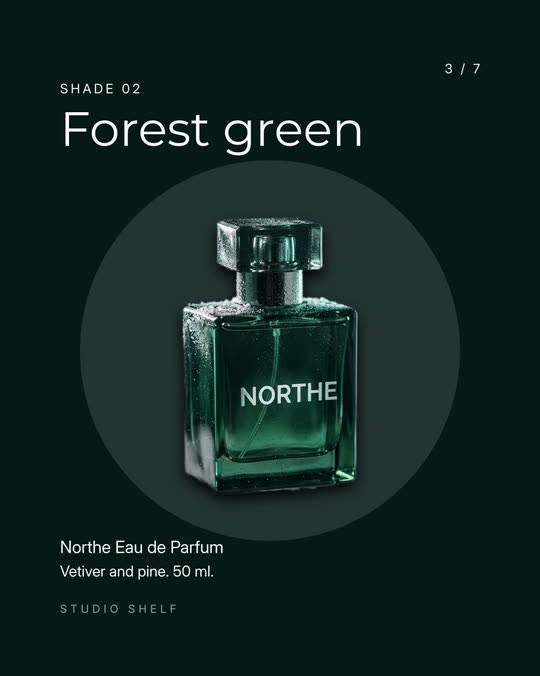
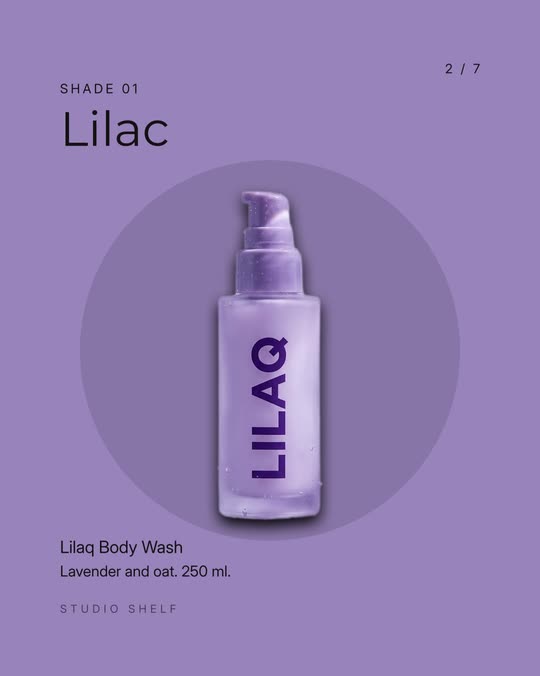
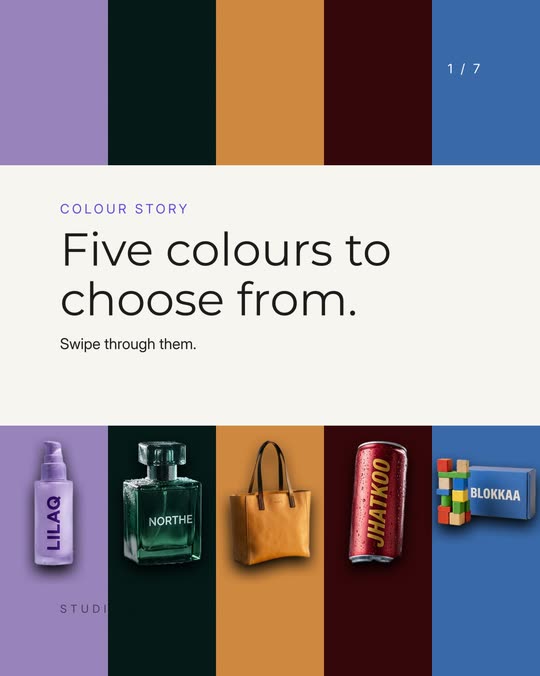
- Colour storyEach product on a slide in its own colour.
- Panorama swipeOne continuous picture across every slide.
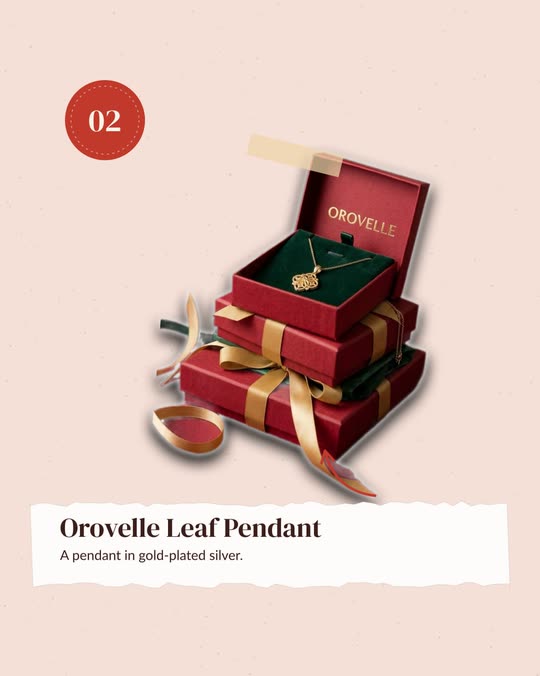
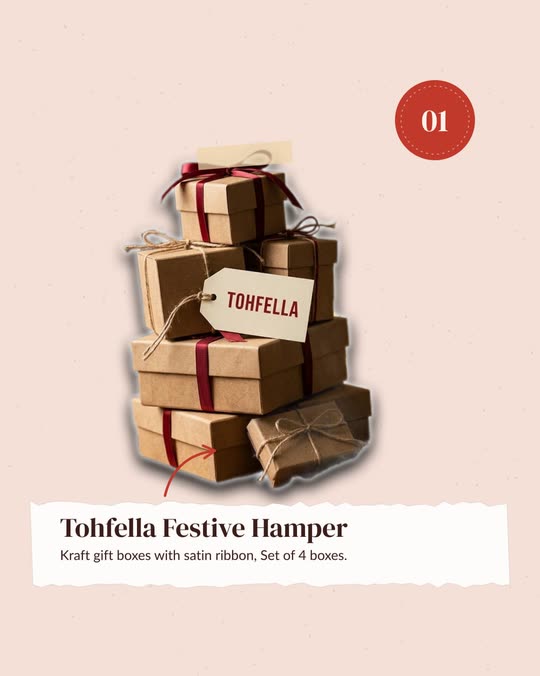
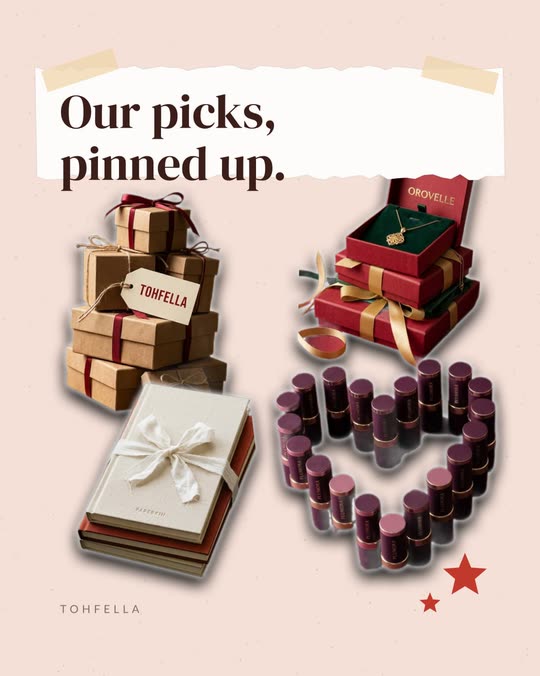
- ScrapbookSticker cut-outs and taped prints on a paper ground.




You stay in control
Nothing posts without your mark.
For the first weeks you approve every post. After that you can let the week go out on its own and step in only when you want to. A post that fails its checks is held, never sent.
 Carousel1 / 5
 Reel
 Reel
Give a brief. Get a campaign.
A team of agents takes it from there, and you approve the result.
Orchestrator
Turns your brief into a plan: one angle, the posts, the days.
Strategist
Matches formats to products, using what has worked for you before.
Copywriter
Writes each hook, caption, hashtags and call to action from your product facts.
Designer and video
Makes the stills from your product photos and cuts the Reel.
Analyst
Answers questions about your results in plain words, from your own data.
You
Approve each post or the whole campaign. Only then is it scheduled.
Channels
One approval. Four places.
Connect Instagram, then add the others. Each post is reshaped for where it goes: Reels become Shorts and video pins, carousels become photo posts and product pins.
- YouTube Shorts
Planned next
- Lead outreach
From the blog
Straight answers on posting for a product brand.
 Planning · 5 min readHow often should a product brand post on Instagram?Often enough that you never go quiet, and no more than you can keep up for a year. For most product brands that is three to seven posts a week. Here is how to pick your number.
 Formats · 6 min readReels or carousels: what should a product brand post?Both, for different jobs. Reels find people who have never heard of you; carousels help the ones who already follow decide. Here is how to split a month between them.
 Planning · 6 min readA month of Instagram posts from the product photos you already haveYou do not need a shoot to post every day. A catalog with a few clean photos per product is enough for a month of Reels and carousels, if each product is used in more than one way.
Start with your website.
It takes about five minutes to see your brand kit and your first week.